Add or Delete Users in
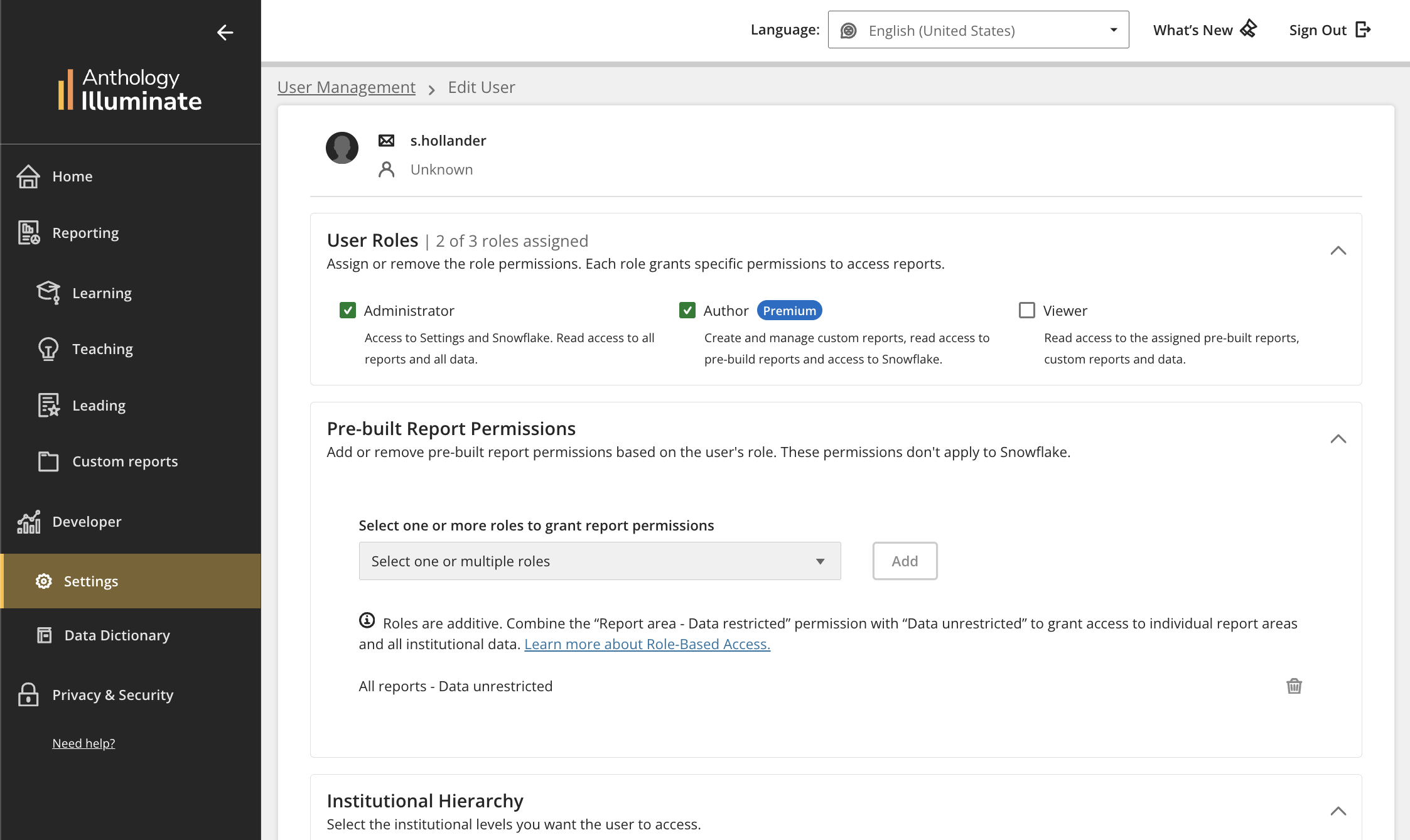
If your institution uses institutional authentication, administrators can manage all users, roles, and permissions in Settings.
Add a user to
From Settings, select License management.
Select Create User.
On the Create New User page, enter the username for the person to add.
In the IdP field, select the identity provider.
Select Create User. You receive a confirmation that the user was added to and you can now assign their user roles.
Delete an user
Administrators can delete users of all roles.
Note
Once a user is deleted, they immediately lose access to the platform. This action cannot be undone.
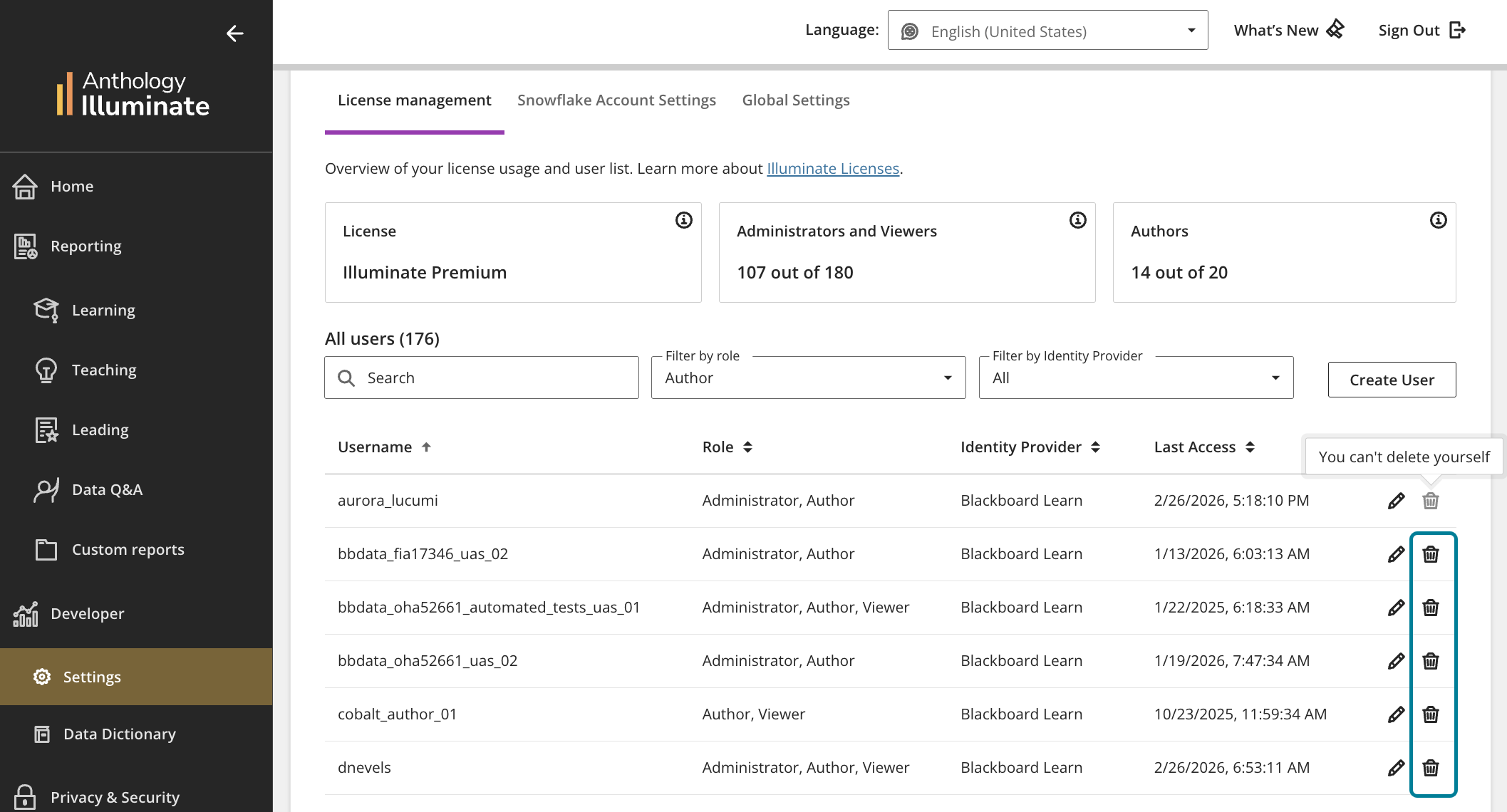
Administrators cannot delete themselves or remove their own Administrator role.
From Settings, select License management.
Under Actions, select Delete for the user to remove.
If the user is an author with saved custom content, the Transfer content prompt appears. Select which authors to transfer the content to. Note: If the content transfer fails, the deletion process stops automatically to prevent any data loss.
The Delete user screen appears. Select Delete.